Professional POS Hardware

Kitchen Display for a calmer, faster line.

Replace paper tickets with kitchen screens that route orders by station, track ticket times and keep front and back of house in sync.

$0 starting costNo setup fees24/7 Canadian support
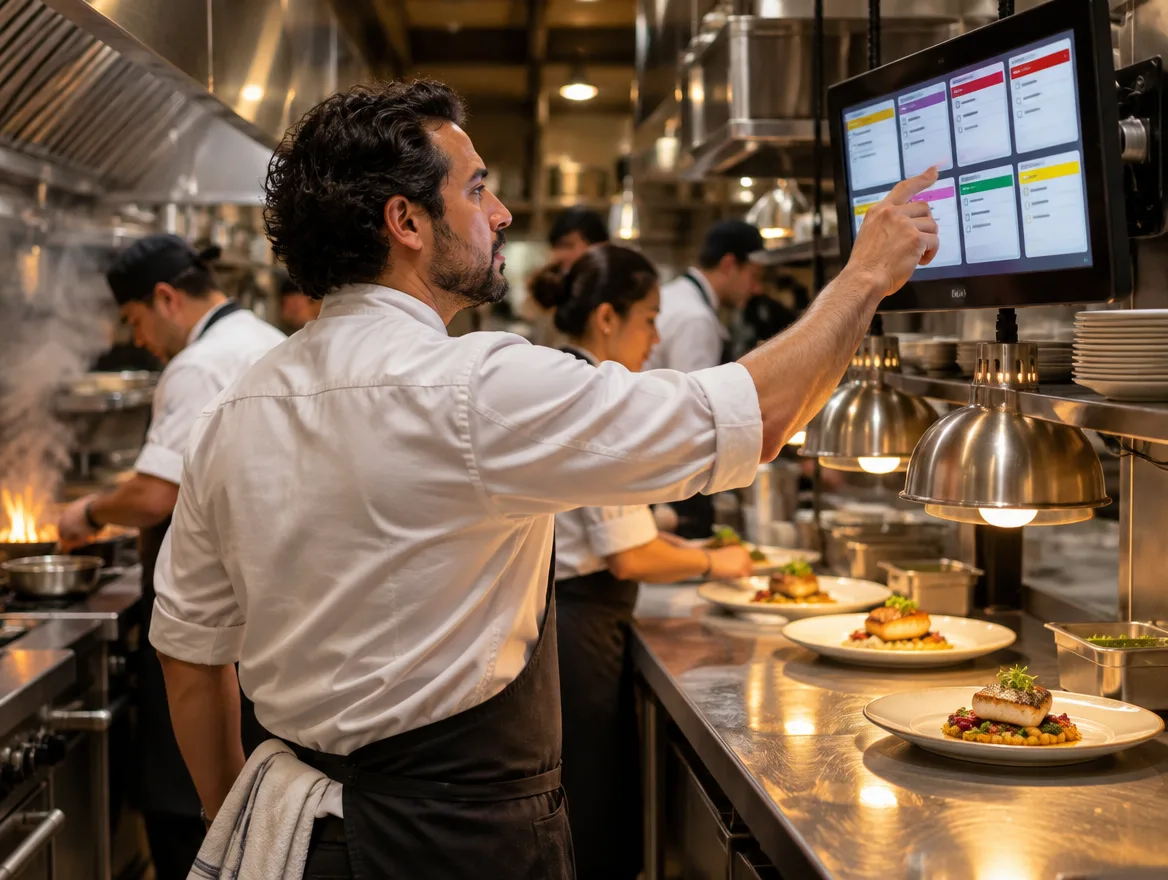
Smart Kitchen Display System (KDS) by ShapesPay
Rent monthlyNo big upfront purchase
What you get

Kitchen Display, feature by feature.

Paperless tickets for the line. Everything connects to your ShapesPay POS, portal and reports.

Station routing

Orders go to grill, fry or bar automatically.

Ticket timers

See how long every order has waited.

Bump when ready

Mark orders done and notify the front.

Modifiers highlighted

Allergies and changes stand out.

Every channel

Dine-in, online, phone and delivery in one queue.

Speed reports

Track kitchen performance.

A calmer kitchen at peak
Why it matters

A calmer kitchen at peak

No lost tickets, no shouting, just clear orders.

  • KDS included on Enterprise
  • Add-on on Starter, SmartPOS and Growth
  • Works with AI phone orders
  • Station and expo views
Real ShapesPay screens

The same system, everywhere you work.

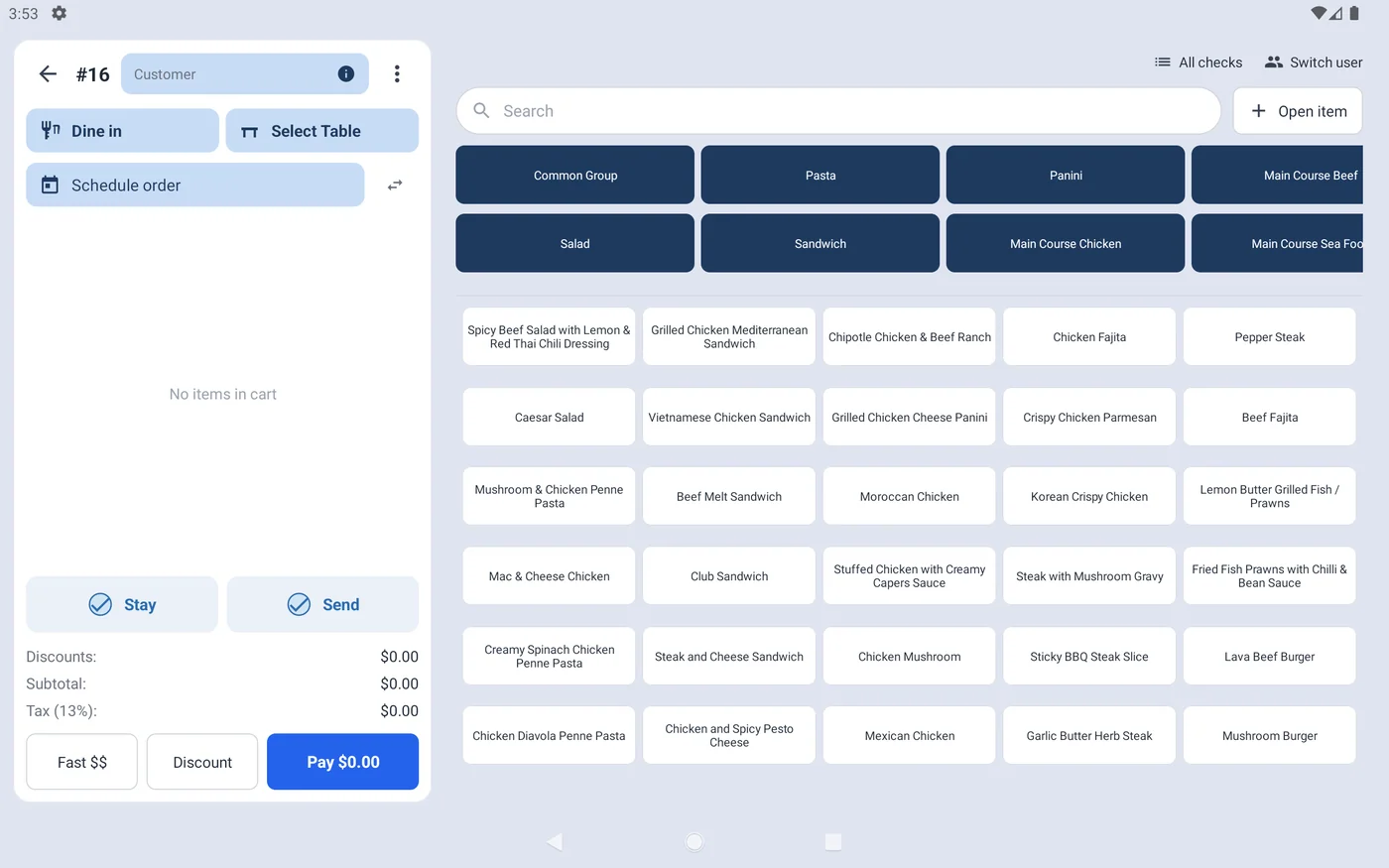
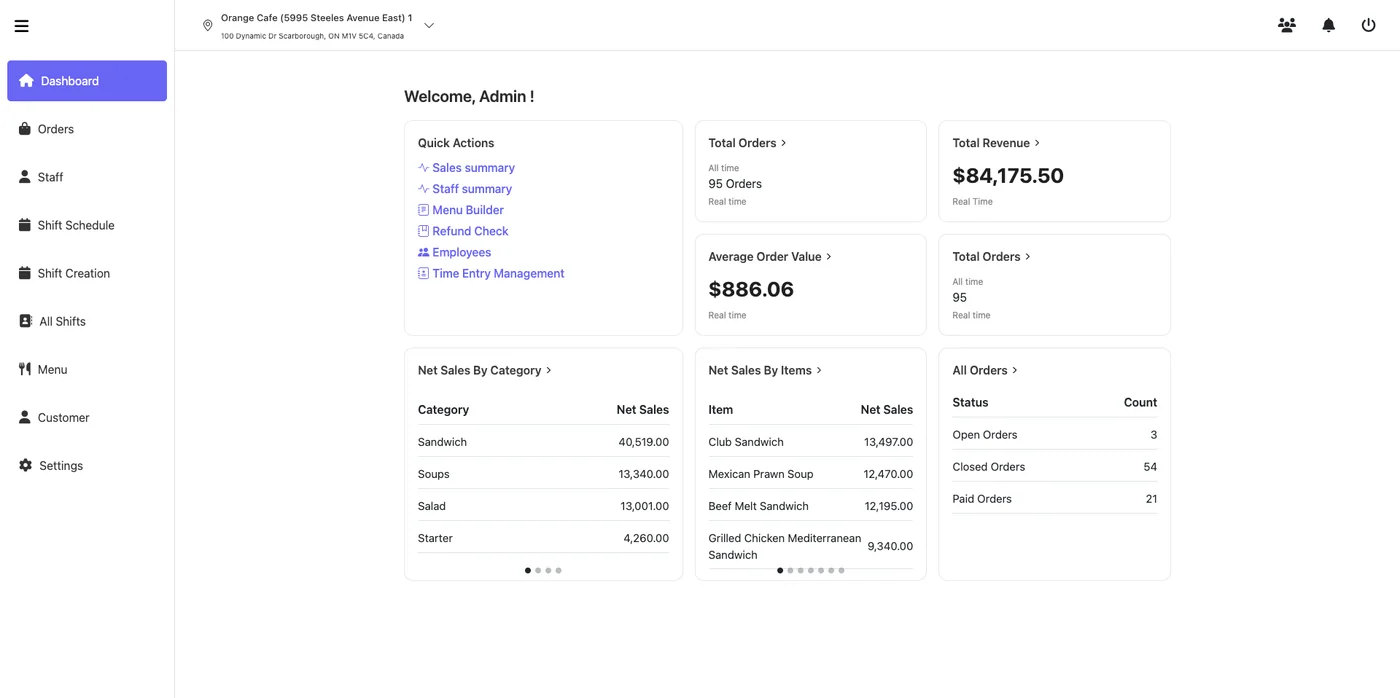
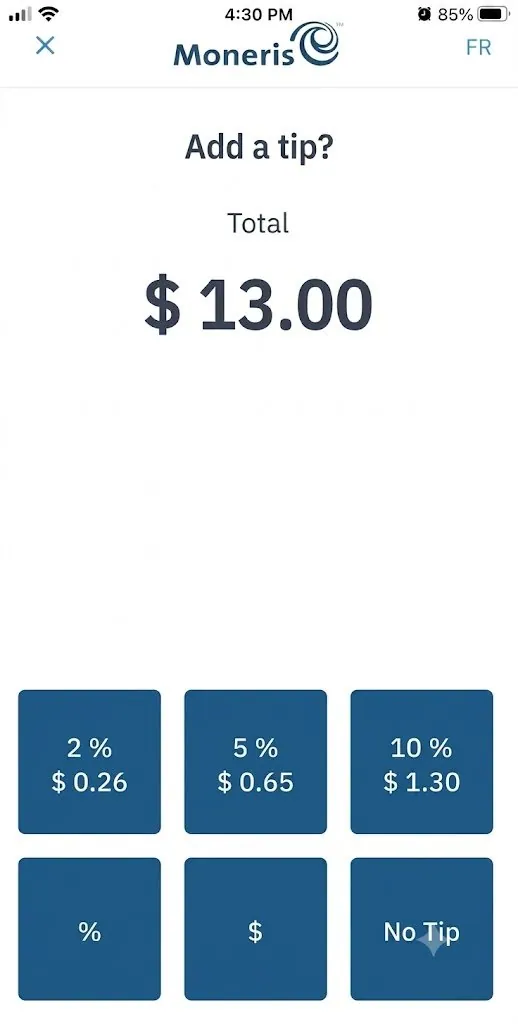
Register, portal and terminals share one menu, one set of reports and one bill. These are real screens from the ShapesPay system.

SmartPOS order screen

SmartPOS order screen

Merchant portal dashboard

Merchant portal dashboard

Tip screen on a ShapesPay terminal

Tip screen on a ShapesPay terminal

Plans

Where Kitchen Display fits in your plan.

Start free with Starter and upgrade when you are ready. Add-ons can be switched on for any plan.

Compare all plans
FeatureStarterSmartPOSGrowthEnterprise
Kitchen display systemAdd-onAdd-onAdd-on
Order management
FAQs

Kitchen Display questions, answered.

Which plans include a kitchen display?

The kitchen display system is included on Enterprise and available as an add-on on every other plan.

Can I route orders by station?

Yes. Items route to the right station automatically.

Do online and phone orders show on the KDS?

Yes. Every order channel appears in the same kitchen queue.

How much does Kitchen Display cost?

ShapesPay software plans for your business start free with Starter. SmartPOS, our most popular plan, is CA$69 per month (US$49), and Growth is CA$119 per month (US$89), with two months free when you pay annually. Enterprise is priced to your group. Hardware is rented monthly: the D3 smart register with built-in printer and PIN pad is $150 per month and payment terminals start at $22 per month. No setup fees, and processing is quoted to your volume.

How long does setup take?

Most businesses go live within days. Our team configures your menu, settings and hardware, trains your staff and stays on call 24/7.

Get started

See Kitchen Display in a live demo.

Tell us about your business and a ShapesPay specialist will walk you through it, recommend the right plan and send a clear monthly total.

  • $0 starting cost, SmartPOS from CA$69/mo (US$49)
  • No setup fees
  • 24/7 Canadian support included

Book your free demo

Takes about 60 seconds. A ShapesPay specialist replies within 1 business hour.

I would like

No obligation. We never share your details.