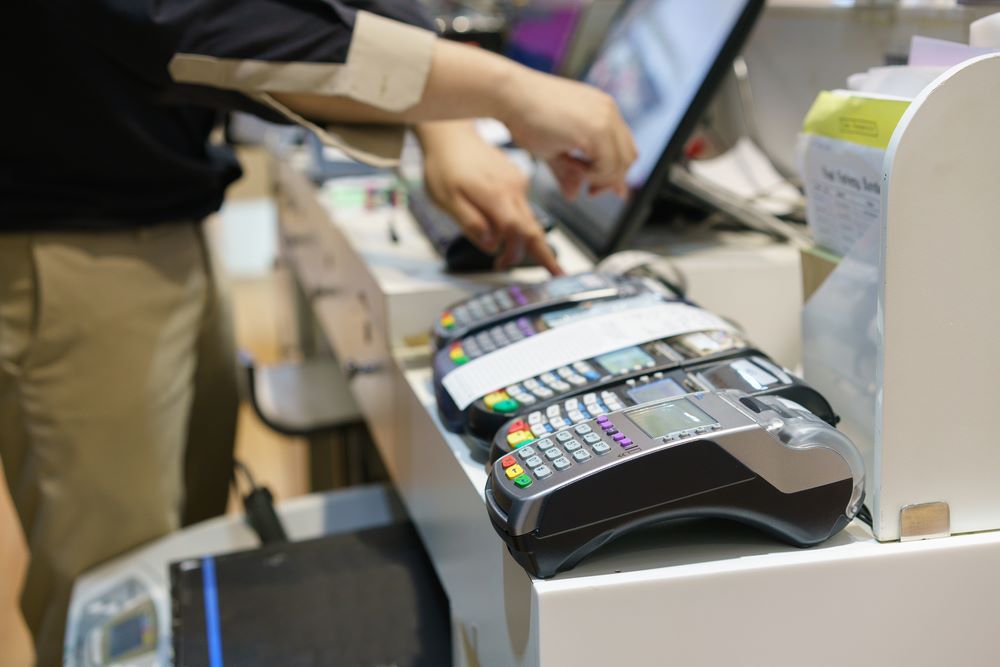
For small businesses in Canada, choosing the right POS machine and POS system Canada is essential for streamlining operations, improving customer service, and handling transactions efficiently. A payment terminal that works seamlessly with your business processes ensures faster transactions, accurate inventory tracking, and better customer experiences. In this article, we will explore how to choose the right small business POS setup, the features to look for, and some tips on pricing and selection.
What Is a POS System?
A POS system (Point of Sale) is a combination of hardware and software used to process transactions in a business environment. It is an essential tool for any small business as it allows you to accept payments, manage inventory, and track sales data all in one place. The POS machine itself is a physical device that facilitates transactions. It can range from a simple payment terminal to a more comprehensive system that integrates with other business functions, such as accounting and reporting.
When selecting the best POS system Canada for your business, it’s important to consider your specific needs, the nature of your operations, and your budget.
Features to Look for in a Small Business POS System
Choosing the right POS machine for your small business involves more than just selecting a terminal that processes payments. Here are some key features you should look for:
1. Ease of Use
A POS system should be user-friendly, especially for small businesses where employees may not have extensive technical experience. Choose a system with an intuitive interface that allows quick training and smooth operation. A good payment terminal should require minimal effort to process transactions and manage sales.
2. Payment Flexibility
Ensure that the POS machine you select can accept various payment methods, including credit and debit cards, mobile wallets like Apple Pay or Google Pay, and contactless payments. A payment terminal that supports multiple payment types will improve your flexibility and cater to the needs of all customers.
3. Inventory Management
For a small business, inventory management is crucial. Many modern POS systems have built-in inventory management features, allowing you to track stock levels, update product information, and generate reports on sales trends. This integration will help prevent stockouts and overstocking while making it easier to manage your products.
4. Reporting and Analytics
Choose a POS system Canada that offers robust reporting and analytics tools. These features will help you monitor sales performance, identify trends, track customer preferences, and analyze profits. With detailed reports, you can make informed decisions about pricing, promotions, and stock management.
5. Integration with Other Software
A good POS system should integrate smoothly with other business software, such as accounting software, CRM systems, or employee management tools. This integration ensures that all your business functions are connected, reducing the need for manual data entry, and minimizing the risk of errors.
6. Security Features
Since POS machines handle sensitive customer payment information, security is a priority. Ensure that the POS system you choose complies with Payment Card Industry Data Security Standards (PCI DSS) and has robust encryption to protect customer data. Look for features like tokenization, fraud detection, and secure payment gateways.
7. Customer Support
When choosing a POS system Canada, ensure the provider offers excellent customer support. As a small business owner, you need reliable help in case the system malfunctions, or you need assistance with setup. Look for a provider with responsive support channels, such as phone, email, and live chat.
How to Choose the Right POS System for Your Small Business
1. Assess Your Business Needs
Start by evaluating your business operations to determine which features are essential. For example, a retail store might prioritize inventory management, while a café may focus on order processing speed and table management. Understanding your business model will help you choose a POS system that best suits your needs.
2. Determine Your Budget
The cost of a POS machine and POS system Canada can vary significantly depending on the features, brand, and complexity. Some systems require an upfront investment, while others operate on a subscription basis. Be sure to factor in additional costs for maintenance, support, and software updates. Choose a small business POS solution that provides good value within your budget while meeting all your requirements.
3. Read Reviews and Get Recommendations
Before deciding, read reviews and ask for recommendations from other small business owners. Look for feedback on the system’s ease of use, customer service, reliability, and overall performance. Websites like Clutch and G2 offer user reviews that can give you insights into the experience of other businesses with the POS machine and provider you’re considering.
FAQs About POS Machines
Q1. What is the best POS system for a small business?
A: The best POS system for a small business depends on your specific needs. Systems like Square POS, Lightspeed, and Shopify POS are popular choices for their user-friendly interfaces, flexibility, and scalability.
Q2. How much does a POS machine cost in Canada?
A: A basic POS machine can cost between $200 to $800, while a more advanced POS system Canada may range from $1,000 to $3,000 or higher, depending on features such as inventory management, reporting, and integration.